
Record
The Record button allows you to capture the rendered sound in WAV format and save it to the device.
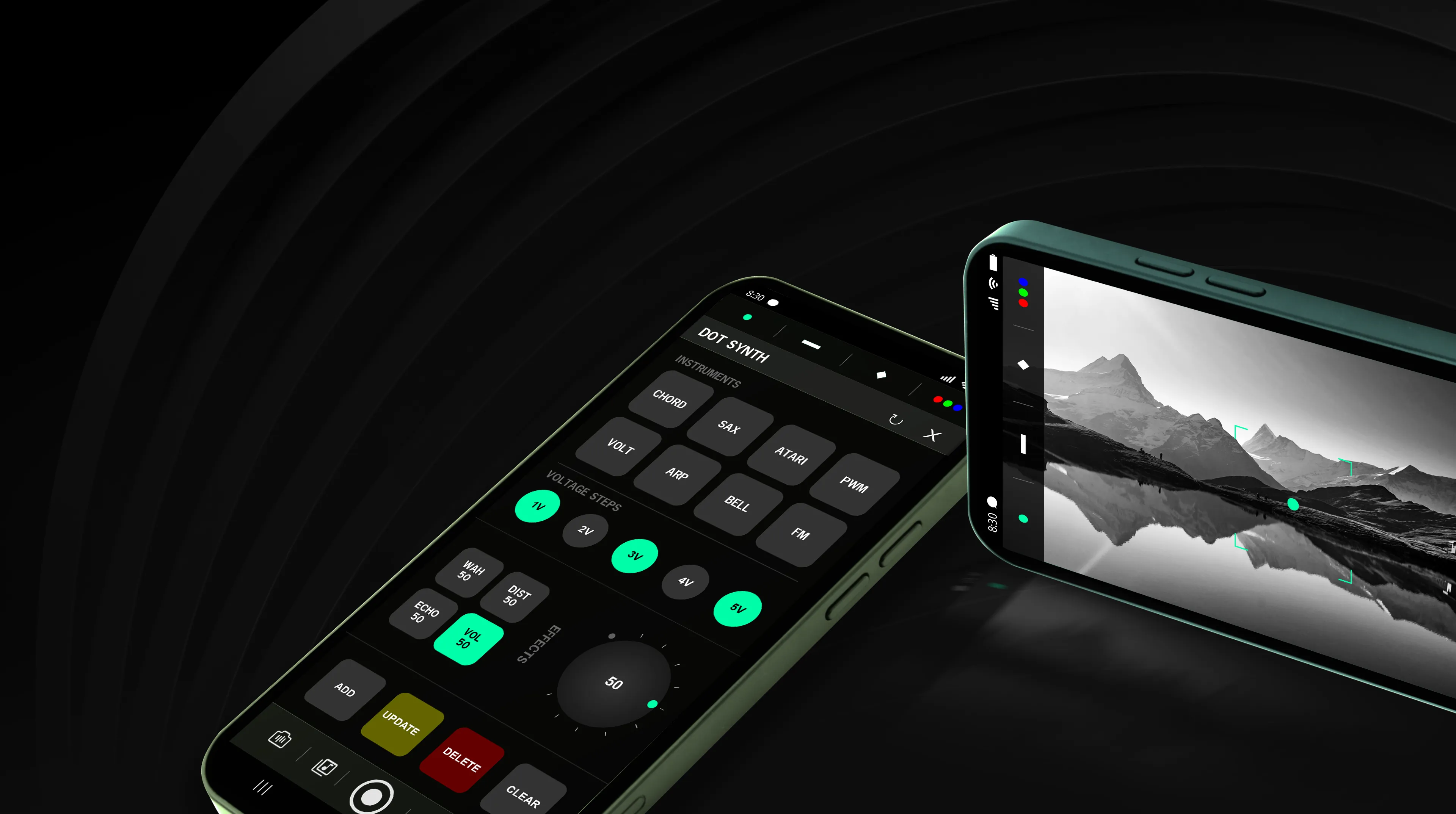
Android app that converts real-time light intensity into musical tones using the camera preview.

LumaSynth is a light-to-sound generation app that transforms camera-preview light contrast into melodic instrument tones. Generated sound snippets can be downloaded as WAV files for easy use.
LumaSynth features four independent virtual sensors that extract luminance (lux) data from the camera feed and map real-time light variations into control voltage (CV) signals. These CV signals are routed to modulate internal sound engines, enabling expressive, light-responsive audio synthesis. Each sensor operates independently and provides a configurable control interface for instrument selection, voltage steps, and effects processing, enabling flexible and modular sound-design workflows.

A trigger-driven system mapping light intensity changes to gated amplitude envelopes for percussive sound synthesis.
A gate-driven system mapping light intensity to sustained waveforms for ambient and melodic synthesis.
A trigger-driven light-to-envelope system for tight, punchy percussive sounds.
A continuous sensor mapping RGB color values to evolving, multi-layered waveforms for expressive synthesis.
Press and hold a sensor to open the Synth Panel. It allows you to assign instruments, voltage steps, and sound effects to the selected sensor.
The Record button allows you to capture the rendered sound in WAV format and save it to the device.

Access recorded WAV files from the Library, with play, download, share, and delete options.

The camera is used only for live preview, and the microphone is used solely for audio recording.
